There are two ways to navigate between entries during judging:
Entry List (right-side toolbox)
Use the right-hand toolbox to view your assigned entries, grouped by status (Judging, Pending, or Completed). Click any entry name to open it.
Move Between entries
After completing an entry, click “Save and Next” to save your work and move to the next entry.
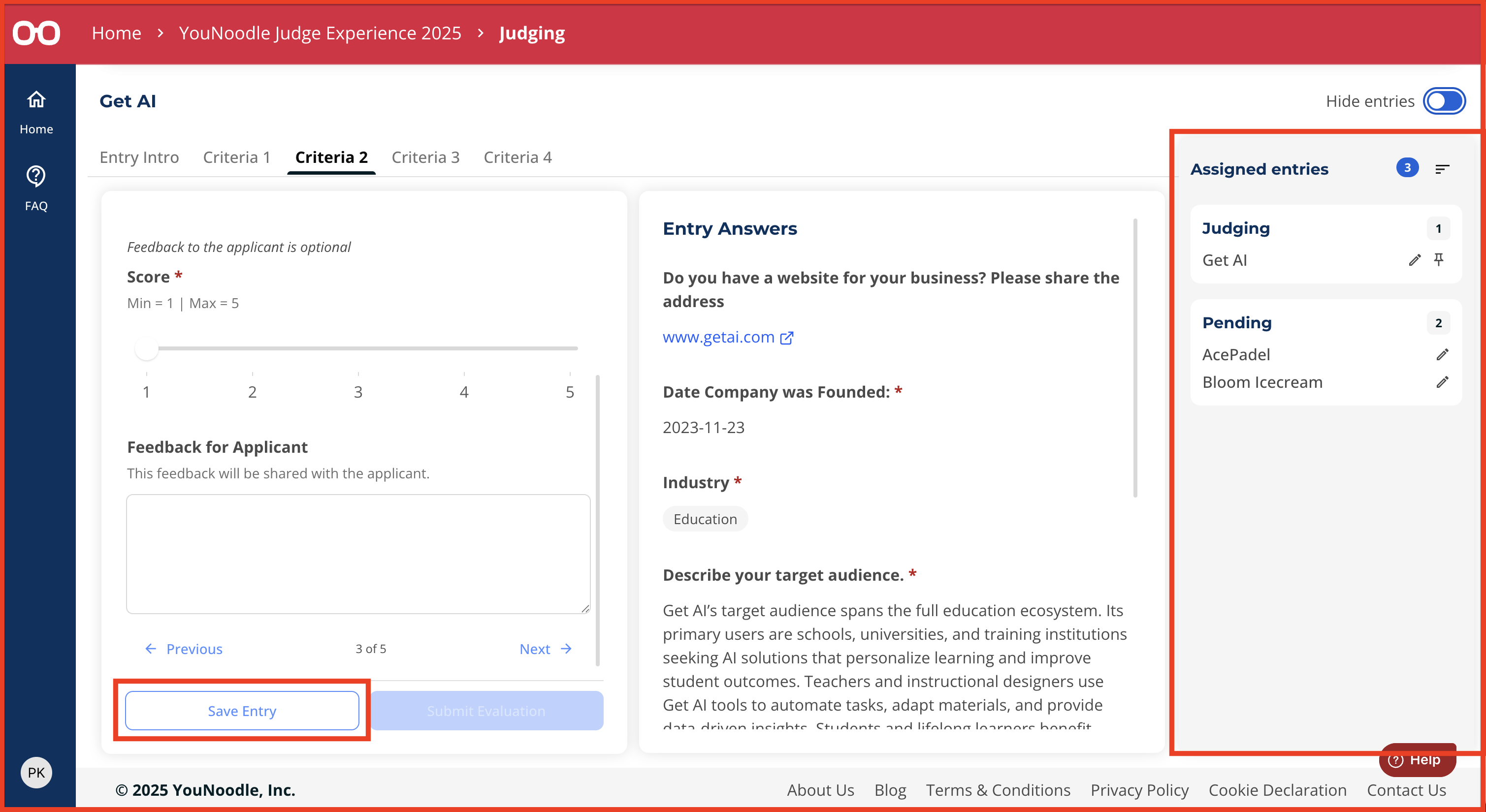
Your progress will autosave. Skipped entries will remain in the Pending group until completed and manually submitted.
Was this article helpful?
That’s Great!
Thank you for your feedback
Sorry! We couldn't be helpful
Thank you for your feedback
Feedback sent
We appreciate your effort and will try to fix the article