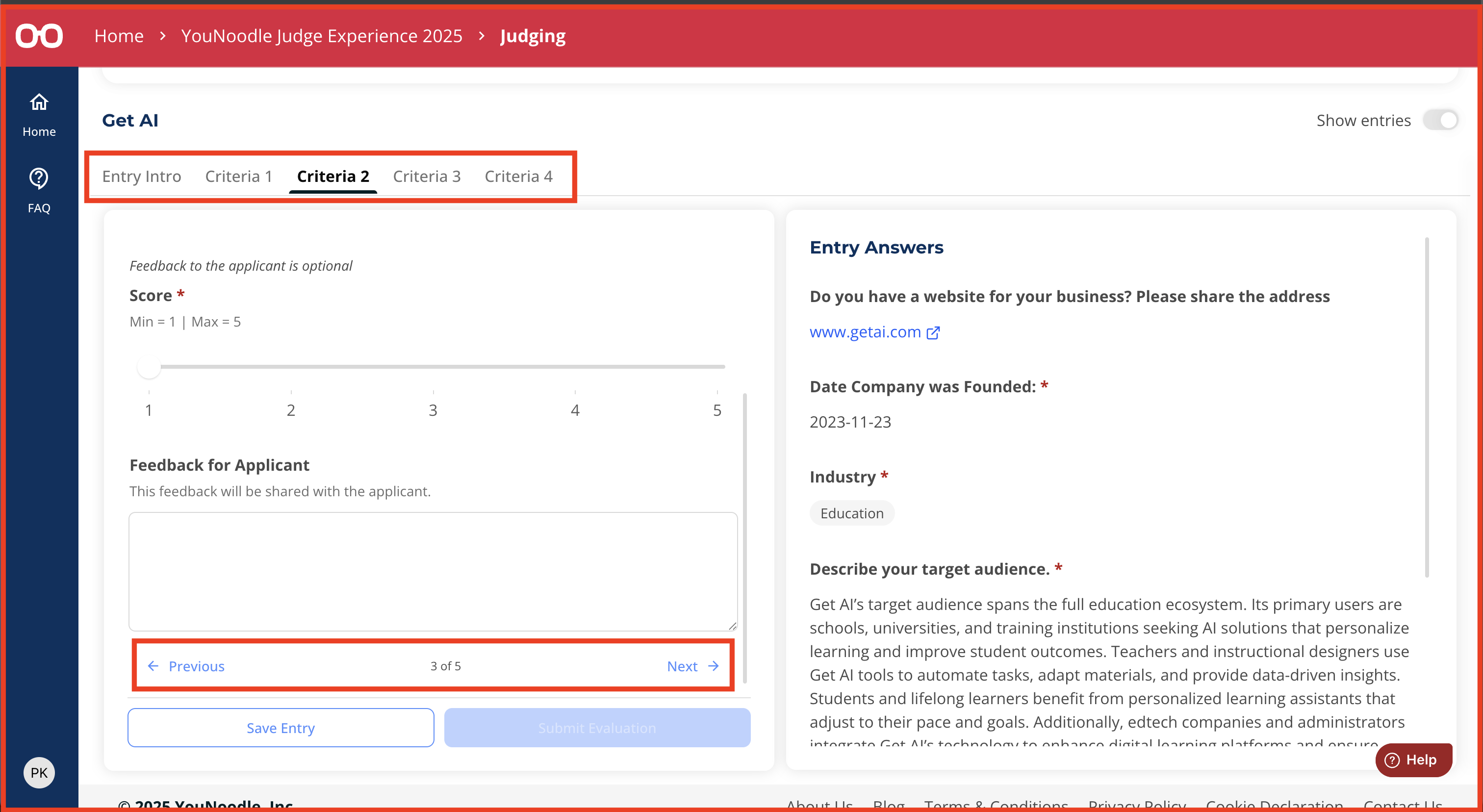
You can navigate between evaluation criteria in the Judging section by:
Using the tabs: Each tab (e.g., Criteria 1, Criteria 2) represents a different set of questions and evaluation fields. Click a tab to go directly to that section.
Clicking “Next” or “Previous” buttons: These buttons appear at the bottom of the evaluation fields and allow you to move forward or backward through the criteria.
Was this article helpful?
That’s Great!
Thank you for your feedback
Sorry! We couldn't be helpful
Thank you for your feedback
Feedback sent
We appreciate your effort and will try to fix the article