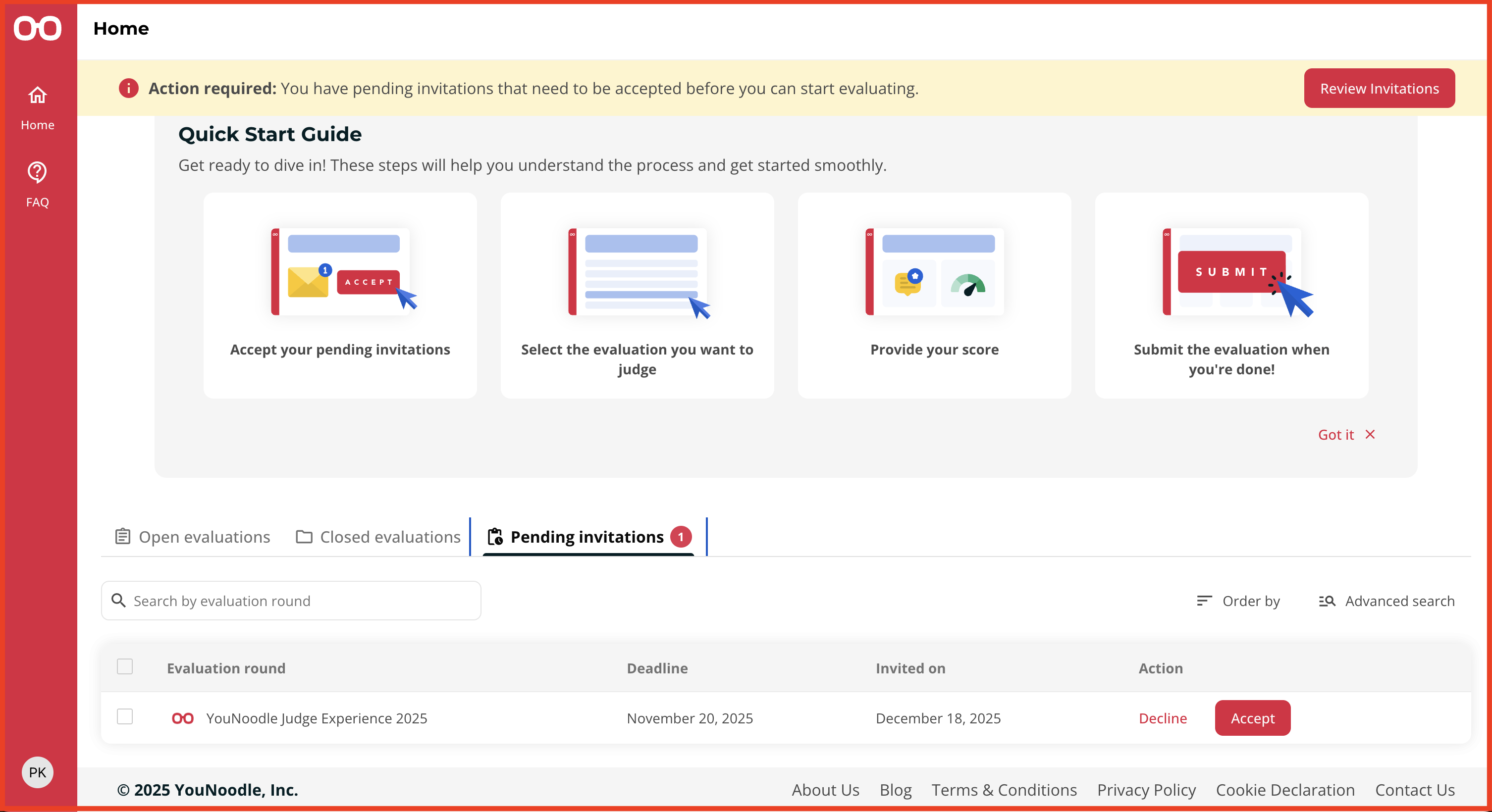
You can manage your invitations from the “Pending Invitations” tab in your Home.
You will find all your active judge invitations listed there, showing the program name, deadline, and the choice to either Accept or Decline. Upon acceptance, the evaluation round will automatically appear in your Open Evaluations tab, allowing you to start judging immediately.
Was this article helpful?
That’s Great!
Thank you for your feedback
Sorry! We couldn't be helpful
Thank you for your feedback
Feedback sent
We appreciate your effort and will try to fix the article